Archiving your bills: which tool to choose? Folders, cloud, Evernote or a dedicated service
In short. To archive your bills, five criteria matter more than the rest: where the data is, search inside the content, filing (manual or automatic), the exit (getting everything back if you leave) and the price. Synced folders are enough for a small volume. Beyond that, a dedicated tool saves time, as long as your files stay with you.
Evernote was for a long time the “drawer for everything” of many households. Since its free plan was limited to 50 notes and a single notebook, many people are looking for somewhere to move their bills. It is a chance to pick a tool suited to administrative documents rather than to notes.
The 5 criteria
- Where is the data? Bills, medical statements and salary certificates say everything about your life. Hosting in Switzerland, under Swiss jurisdiction, is a real criterion.
- Can you search the content? “The dentist’s bill from 2023” should be found by its text, not only by its file name. That needs text recognition (OCR) on scans.
- Who files? You, on every document, or the tool, which you correct when needed. This decides whether the system will still be in use in two years.
- How do you leave? If the service closes or raises its prices, can you get all your files back, in readable folders? The best case: they are already on your computer.
- What does it cost, in money and in time.
The comparison
| Option | Data | Search inside content | Filing | Exit | Price |
|---|---|---|---|---|---|
| Folders on your computer | With you | If the PDFs have recognised text | By hand | Nothing to do | Free |
| General-purpose cloud (kDrive, Google Drive, OneDrive, Dropbox) | Depends on the service; in Switzerland for kDrive | Varies by service | By hand | Simple: they are your files | Free up to a certain volume |
| Evernote | Outside Switzerland | Yes | By hand (notebooks, tags) | Export to do | Free limited to 50 notes, then subscription |
| Your bank’s eBill or e-documents portal | Your bank | Limited | None | Manual download; eBill PDF deleted after at least 2 years | Free |
| Self-hosted paperless-ngx | With you | Yes | Automatic, after training | Your files are with you | Free, plus your time |
| Charti | In Switzerland, plus a copy with you | Yes, with OCR errors corrected | Automatic by AI, you check | Nothing to do: the copy is already with you | CHF 9.90 a month or CHF 99 a year |
Folders on your computer: simple and durable
A clear folder tree (category, issuer, year), file names that read by themselves, and a backup. It is free, depends on no service, and will still work in twenty years. The limit: everything rests on your discipline, document after document. Our method for sticking with it: How to organise your administrative documents.
A general-purpose cloud: everywhere, but by hand
kDrive (Infomaniak, hosted in Switzerland, 15 GB free), Google Drive, OneDrive or Dropbox add access from your phone and a copy away from home. Filing stays manual, and search in the text of scans varies from one service to another. A good base, especially combined with folders on your computer.
Evernote: built for notes
Evernote recognises text in documents and images, and organises everything in notebooks and tags. But it is a note-taking tool: each bill becomes a note, to be filed by hand. The free plan is limited to 50 notes and one notebook, and the data is not hosted in Switzerland. For an administrative archive over several years, it is rarely the best choice.
Your bank’s or eBill portal: not an archive
eBill bills and bank e-documents are handy day to day, but they are not archives: the PDF of an eBill bill can be downloaded for at least 730 days after the due date, then it is deleted, and the history does not follow you if you change bank. Download what you want to keep.
Paperless-ngx: powerful, if you run it
The reference open-source software for document management: OCR, search, automatic filing, rules. It does need a server, updates and backups. We detail the options in Paperless-ngx hosted.
A dedicated service: filed automatically, kept with you
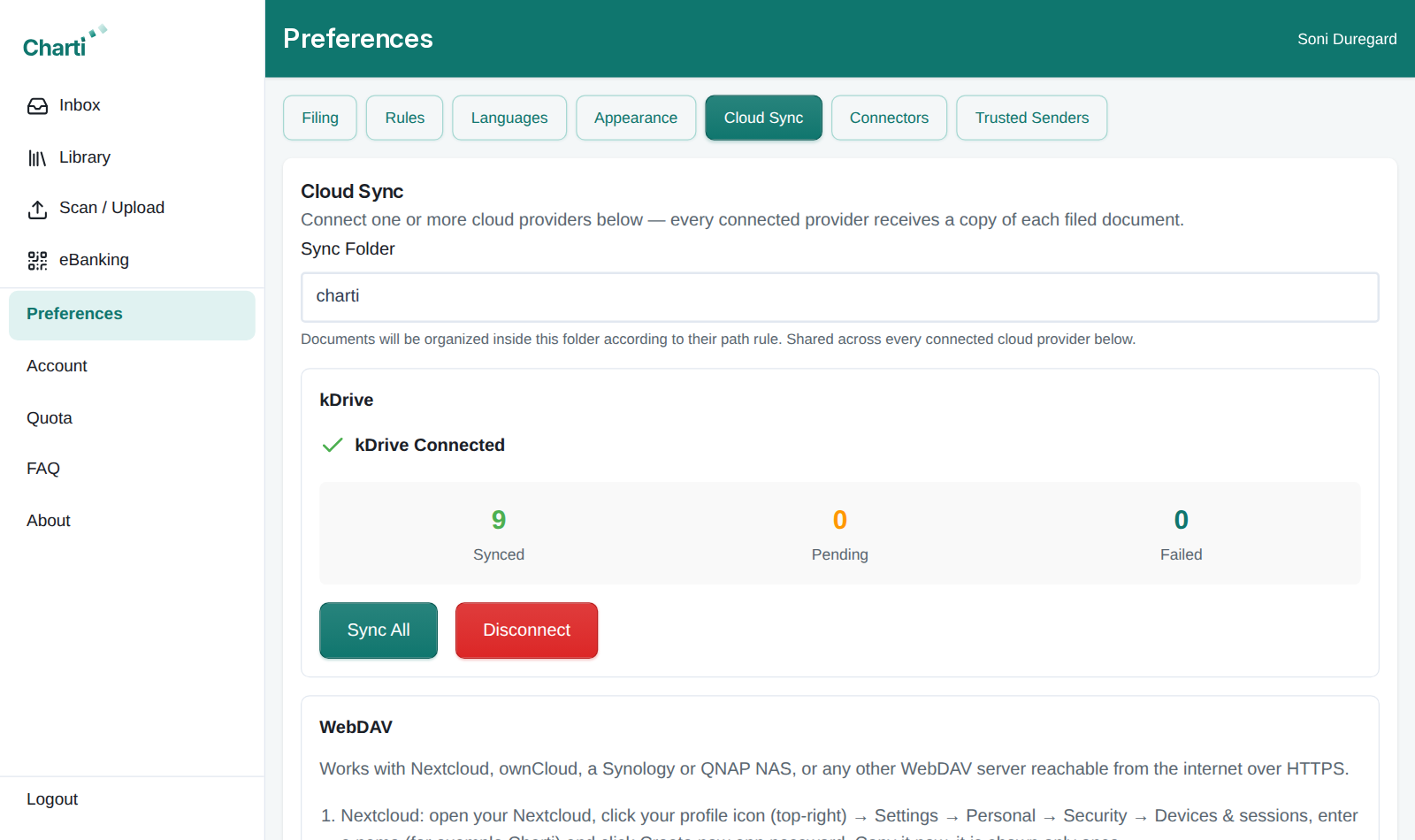
Charti is made for Swiss bills and paperwork. Your documents arrive by e-mail at your @charti.ch address, by upload or through connectors. The AI, hosted in Switzerland, reads and files them; QR bills are gathered so they can be paid one after the other. And every filed document is copied to your computer, via kDrive, Google Drive, Dropbox, OneDrive or a WebDAV server: if you leave, there is nothing to export.
Frequently asked questions
What is a good alternative to Evernote for archiving documents?
For a few documents, folders on your computer synced with a cloud are enough. For bills and paperwork that arrive every month, a dedicated tool that files them and makes them searchable will save you the most time. Either way, keep a copy of your files at home.
Where can I store my bills safely?
Follow the 3-2-1 rule: three copies, on two different media, one of them away from home. For documents this personal, prefer storage hosted in Switzerland, and check that you can get all your files back if you change service.
Do I need software to archive my bills?
No: well-named folders are enough if you are disciplined. Software becomes useful as volume grows, to file for you, search the content of documents and find the bills to pay.
Is Evernote still free?
Evernote’s free plan is limited to 50 notes and a single notebook. To archive bills over several years, you therefore need a paid plan.
This guide is for information only and is not legal or tax advice. If in doubt, ask your cantonal tax office or your fiduciary.