eBill or QR bill: advantages, limits, and how to combine the two
In short. eBill is unbeatable for the recurring bills of large companies: they arrive in your e-banking, are paid with a click, and even pay themselves with a standing authorisation (autorisation permanente, Dauerfreigabe). The QR bill remains the rule for everything else: the dentist, the tradesperson, the commune, paper bills and PDFs received by e-mail. The right strategy is not to choose, but to combine: eBill wherever possible, the QR bill elsewhere, and a single archive to keep it all.
eBill and QR bill: the difference in one sentence
The QR bill is a document, on paper or as a PDF, that you scan with your banking app to fill in the payment. eBill is an electronic bill that the biller sends straight to your e-banking: there is nothing to scan, you approve or reject it.
The two have coexisted for years. eBill now has more than 4 million users in Switzerland, nearly half of the adult population, and more than 100 banks offer it.
| QR bill | eBill | |
|---|---|---|
| How it arrives | By post, by e-mail, in a portal | Directly in your e-banking |
| What you do | Scan the QR code, check, approve | Approve with a click |
| Billers | All | Only those that offer eBill |
| Automation | None | Standing authorisation, with an amount limit |
| Sharing in the household | The bill is passed around by hand | eBill Sharing |
| Archive | You keep it | PDF available for at least 730 days after the due date |
| Cost to you | Free (fees at the post office counter) | Free to receive |
What eBill does very well
Zero paper, zero scanning. The bill arrives in your e-banking, with the biller’s PDF, and without the fees some suppliers add to paper bills (see Paper bill fees in Switzerland). You check, you approve, and the payment leaves on the date you chose.
Standing authorisation. For a given biller, you set a rule: the exact amount or an amount limit, and when to approve. Bills that respect the rule are then paid by themselves; a bill that exceeds it is flagged to you and waits for your approval. Ideal for health insurance premiums or electricity.
Automatic adding of billers. Switched on in the eBill settings, it adds the billers who know you by your e-mail address, without a registration form to fill in with each.
Sharing. With eBill Sharing, you give another eBill user (your partner, for example) access to your eBill account: they see the bills, and can download the PDFs and approve or reject them.
The limits of eBill
Not every biller. eBill depends on the biller: if they do not offer it, you receive a QR bill. That is the case for many small businesses, medical practices, tradespeople and public authorities.
It is not an archive. The PDF stays downloadable in the eBill portal for at least 730 days after the due date, then it is deleted. That is less than the 5 or 10 years for which it is wise to keep a bill (see How long to keep your bills and documents in Switzerland).
Tied to your bank. If you change bank, you sign up again with the same e-mail address, within 60 days. Download the bills you want to keep beforehand.
Bills only. eBill does not receive your health insurer statements, your insurance policies or your salary certificates: all those documents arrive by other routes.
Our view: eBill + QR bill, and a single archive
eBill is an excellent solution, and you should activate it for every recurring biller that offers it. But it covers only part of your bills, and it keeps nothing durably. In practice, a well-organised household:
- Activates eBill for the health insurer, electricity, phone, and sets a standing authorisation on predictable amounts.
- Pays QR bills once a month, all in a row (see Paying several QR bills at once).
- Gathers all bills in the same place, eBill ones included, to find them again in five years.
Charti and eBill: complementary
Charti does not replace eBill: an eBill bill is paid in your e-banking, and that is just as it should be. Charti takes care of everything else:
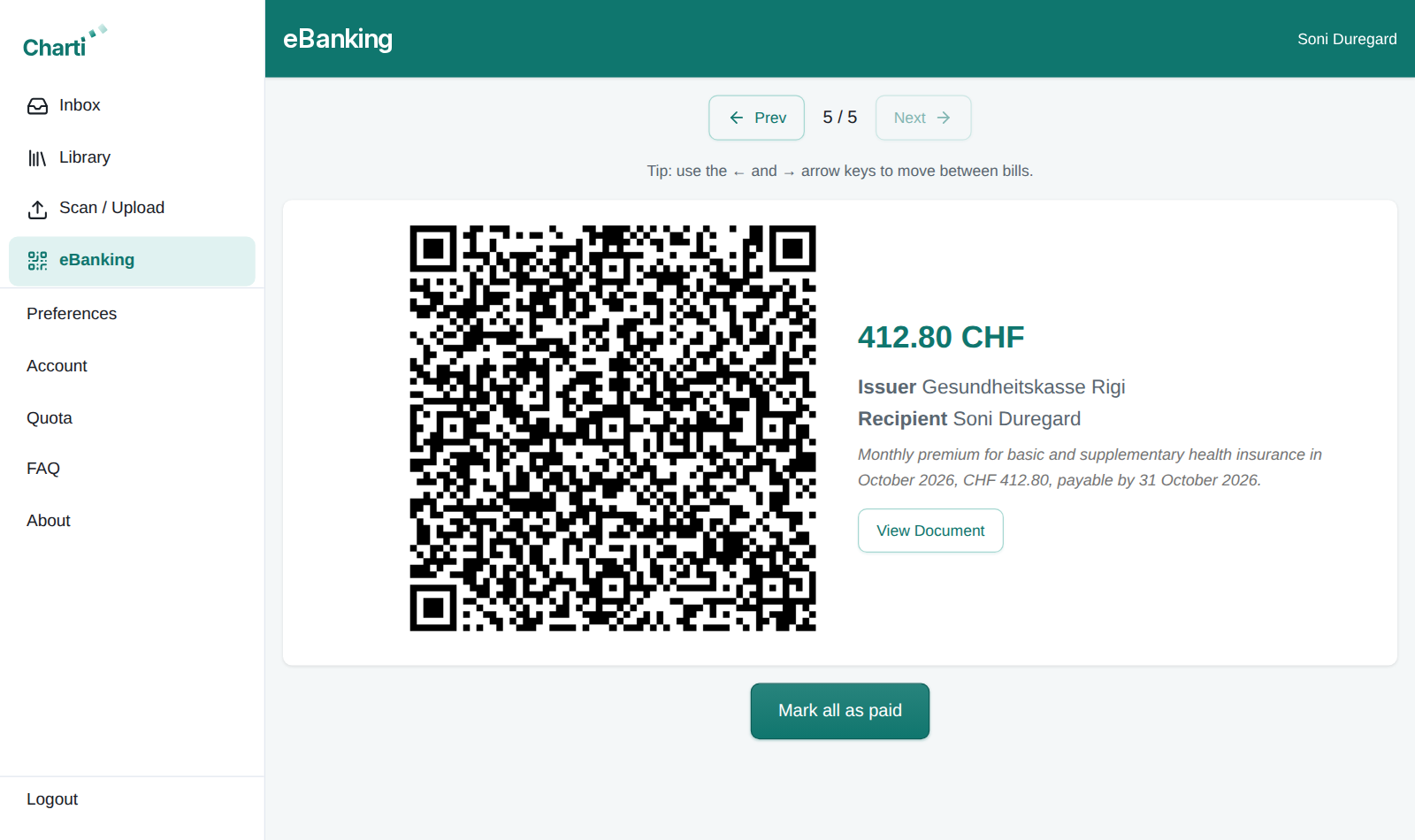
- QR bills, on paper or as PDFs, are recognised, tagged “To Pay” and gathered in an eBanking view so you can pay them one after the other.
- PDFs of eBill bills join your archive: download them from the eBill portal and forward them to your @charti.ch address. If a bill has already been paid through eBill, mark it as paid.
- All other documents (statements, policies, certificates, letters) are filed in the same place, with a copy on your computer, with no time limit.
Frequently asked questions
Is eBill free?
Yes: receiving eBill bills through your online banking is free. The payment itself goes through your account like any ordinary payment.
How do I sign up for eBill?
In your e-banking, open eBill in the payments menu and activate the service. Then add your billers one by one, or switch on automatic adding: billers who know you by your e-mail address are then added without a form.
How long do bills stay in eBill?
The PDF of a bill can be downloaded from the eBill portal for at least 730 days after its due date, roughly two years. After that it is deleted. Download the bills you want to keep longer and file them with your other documents.
Can I share eBill with my partner?
Yes, with eBill Sharing: you give another eBill user access to your eBill account. They see your bills and can approve or reject them, from a bank account on which they have rights.
What happens to eBill if I change bank?
If your new bank also offers eBill, sign up again with the same e-mail address within 60 days. Before the change, download the PDFs of the bills you want to keep.
Do all billers offer eBill?
No. Many large companies do (health insurers, electricity, telecoms), but the dentist, the tradesperson or the commune often still send a QR bill, on paper or as a PDF. Most households therefore use both.
This guide is for information only and is not legal or tax advice. If in doubt, ask your cantonal tax office or your fiduciary.